You’ve been talking for five minutes. You’re giving the absolute best intro of your life, sharing a funny story from your day with perfect comedic timing. Your energy is a ten out of ten. Then you look down at the chat and see three words repeated over and over by your three regulars: 'Is there sound?'
We’ve all been there, and it is the ultimate buzzkill. You immediately scramble, tapping your mic, turning your Bluetooth off and on, apologizing profusely, and totally losing your flow. But there is a super simple way to make sure this never happens to you again, and it doesn't require any fancy tech or a sound engineering degree.
The Magic of the Private Dry Run
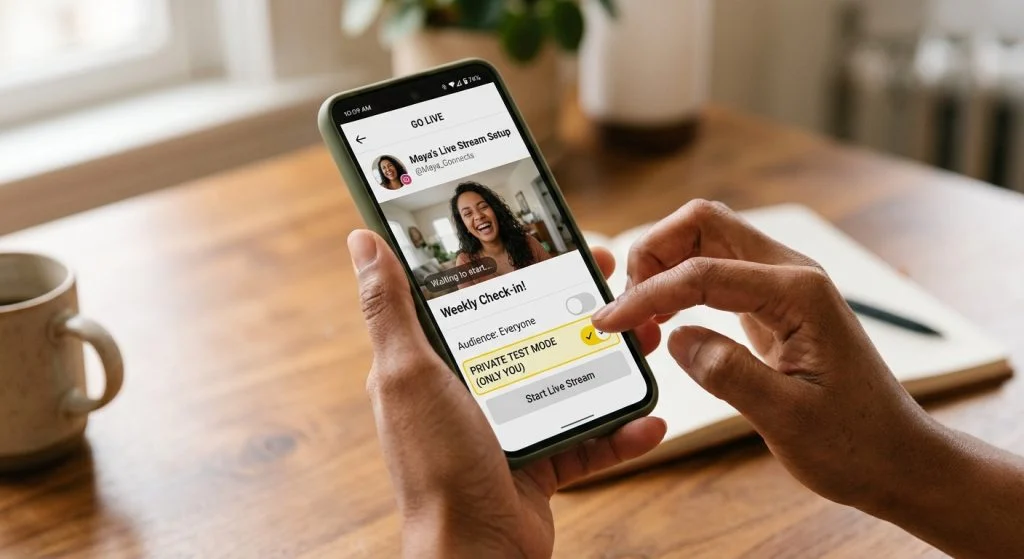
TikTok actually has a built-in safety net called Practice Mode. Think of it as a private green room where the doors are locked and nobody can see or hear you. It lets you go live in a completely isolated sandbox so you can test your setup, adjust your lighting, and—most importantly—make sure your audio is actually working before a single viewer joins.
If you’re already anxious about hitting that button, shaking off the pre-live jitters is much easier when you know for a fact that your mic isn't muted and your background music isn't drowning out your voice.
Your 30-Second Soundcheck Routine
To find it, open up your Go Live screen and look for the 'Settings' icon or the 'Practice' toggle on the side menu before you start. Once you turn it on, the big red button will change to say 'Practice'. tap that, and you're in.
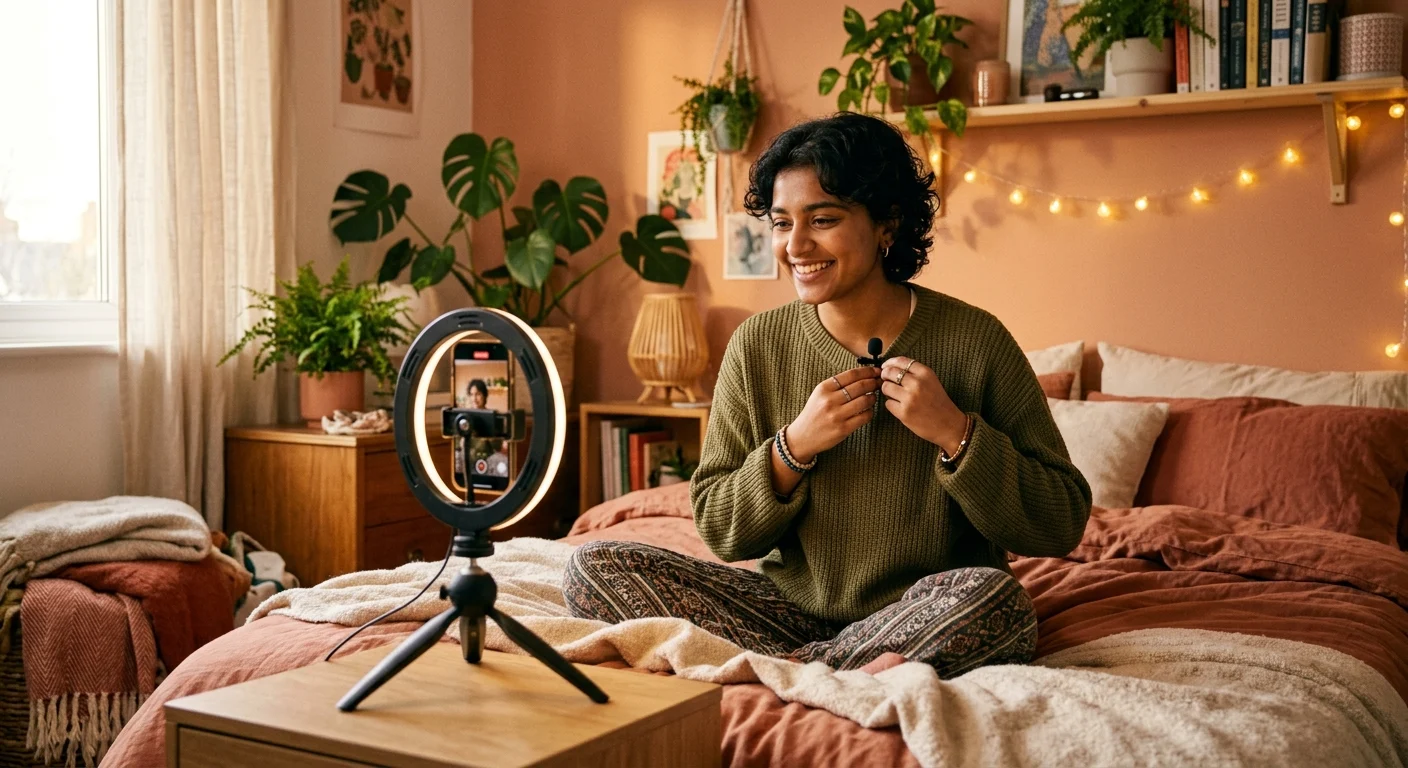
Here is the exact three-step routine I do every single time: First, put your phone at the exact distance you'll be streaming from. Second, speak at your normal chatting volume—don't just whisper 'testing, testing'—and play your background music if you use any. Third, record a quick 15-second clip of yourself talking over the music, then hit end and play it back to listen.
Practice Mode is like having a private rehearsal space where the door is locked and nobody is judging your soundcheck.
This quick test is a lifesaver, especially if you have to stream in a shared space. If you're worried about roommates or family hearing you test your levels, or if you need to know how loud you can talk because they're in the next room, those 30 seconds will give you the exact boundaries of your voice for the night.
Hit Go Live with Confidence
Once you know your microphone is picking up your voice clearly and your background playlist is sitting quietly in the mix, close the practice session, toggle back to public mode, and hit that button. You'll step onto your stream knowing that your first 'hello' will actually be heard by everyone waiting for you.