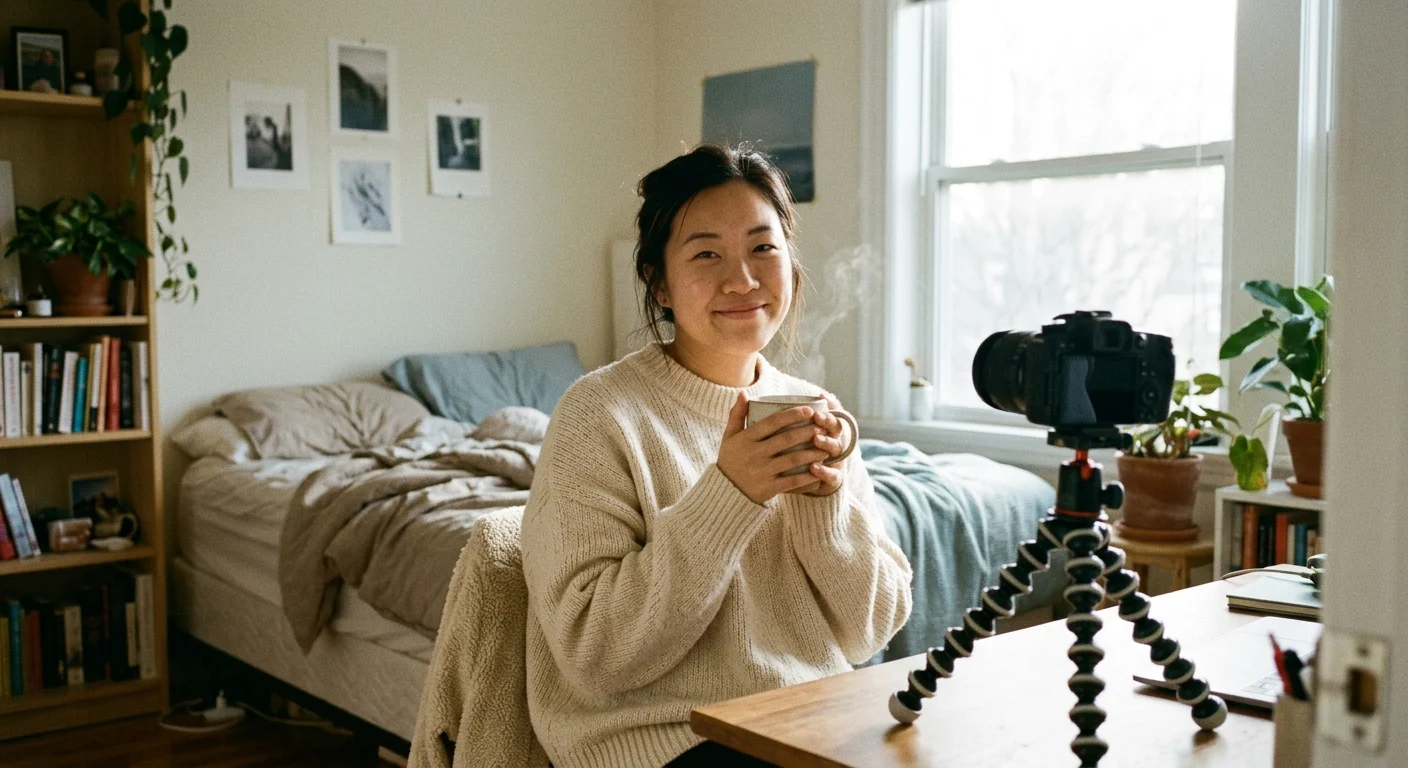
You know that sudden, awful record-scratch moment on stream? You are right in the middle of telling a cozy story about your morning walk or explaining a craft project, your hands are busy, and your eyes drift over to the chat. Suddenly, there it is: an invasive question about your personal life, a weirdly rude comment about your appearance, or somebody dropping spam. You freeze. Your sentence trails off into a weak 'uhhh,' your cheeks get warm, and the easy energy you spent fifteen minutes building completely evaporates.
It happens to everyone, whether you have three people watching or thirty. But reacting to bad vibes in real time ruins the cozy flow you worked so hard to create.
Why manual moderation steals your joy
We have all been there—standing in front of the camera, trying to casually tap the screen to delete a comment or block an account without making it obvious. But the truth is, your chat notices every time you stall. The room goes quiet for ten seconds while you tap through menus, and you lose your train of thought completely.
If you stream alone without a mod sitting in your room, trying to police the chat mid-sentence is exhausting. It turns what should be a casual hangout into a high-stress security job. Instead of focusing on the lovely people who came to say hi, your brain is on high alert waiting for the next uncomfortable message.
Building your invisible cushion before you hit 'Go Live'
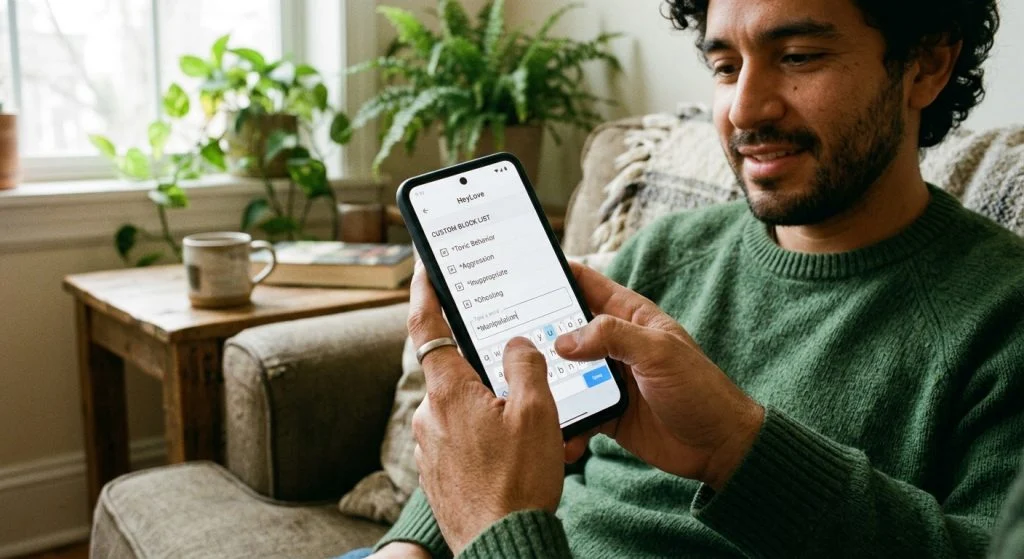
That is where automated keyword filters come in—not as a rigid rulebook, but as a quiet, invisible cushion that catches awkward stuff before it ever touches your screen. Before you go live, taking two minutes to set up your blocklist means those comments get filtered out silently in the background. The person who typed it might see it on their end, but nobody else in your room—including you—ever has to read it.
Your stream is your living room, and you get to decide what language gets spoken at the front door.
What actually belongs on your safety list?
Don't just stick to the obvious bad words. Think about the specific little things that throw you off balance during a broadcast. Consider adding:
1. Personal details you want kept private, like your home town, your day job company name, or high school.
2. Invasive questions that make you squirm, like 'where do you live', 'are you single', or 'how old are you'.
3. Common internet troll variations using numbers or spaces instead of letters (like swapping an 'e' for a '3').
Pairing silent keyword filters with gentle room boundaries makes hosting solo feel so much lighter. If you ever feel like awkward energy is creeping into your room anyway, check out our guide on keeping the good vibes in when a party pooper wanders by for ways to reset the mood smoothly.
Breathe easy and stay present
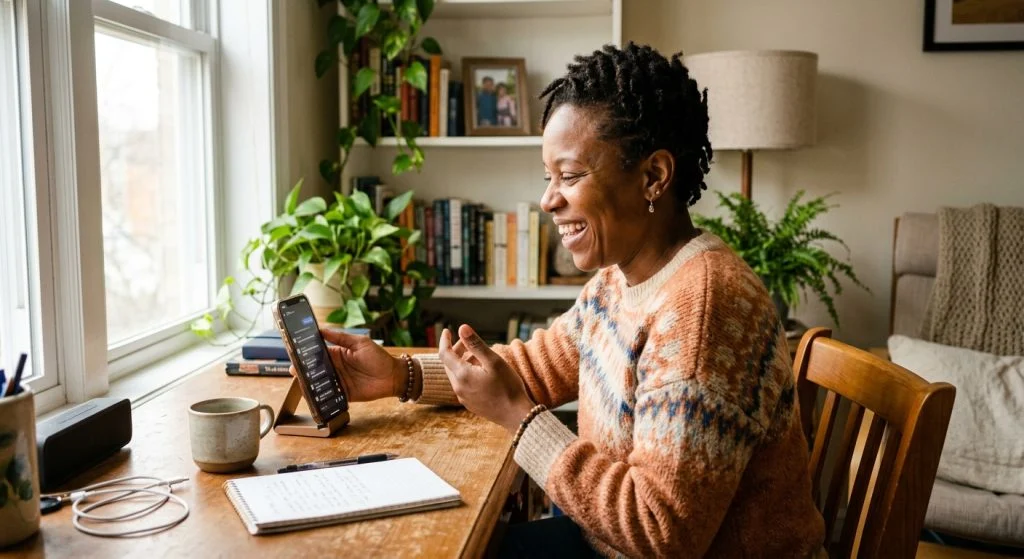
When you know your safety net is active, your whole body relaxes. You stop squinting nervously at every single comment floating up the screen. You can laugh, tell your stories, and give all your warmth to the regulars who showed up to hang out with you.
You deserve to enjoy your time live just as much as your audience does. If you want even more tools to protect your peace as a solo creator, read up on the solo streamer's shield so you can host with complete confidence every single time.