
You are right in the middle of explaining your grandmother's secret marinara sauce to thirty people in chat when your roommate wanders into the background wearing mismatching pajama pants, completely oblivious to the camera. They open the fridge, grab a jug of oat milk, take a direct swig from the carton, and walk out. Suddenly, your cozy cooking stream turns into a comedy of awkwardness, and you are left wondering if you should laugh or apologize to everyone involved.
Streaming from common areas like the kitchen or living room adds an immediate, inviting warmth to your lives. People love seeing real life happen. But when you share a house with roommates, a partner, or family, taking over the heart of the home requires a little bit of strategy so nobody feels trapped in their own house or accidentally exposed to the internet.
Map Out Your Sightlines and Blind Spots
Before you tap that go live button, take a quick glance at what your camera actually sees. The easiest way to protect everyone's privacy is to angle your camera toward a solid wall or a corner of the kitchen rather than pointing it directly down a hallway or across the main walkway. If you want to dive deeper into getting your camera angles right, check out our guide on framing your space when streaming.
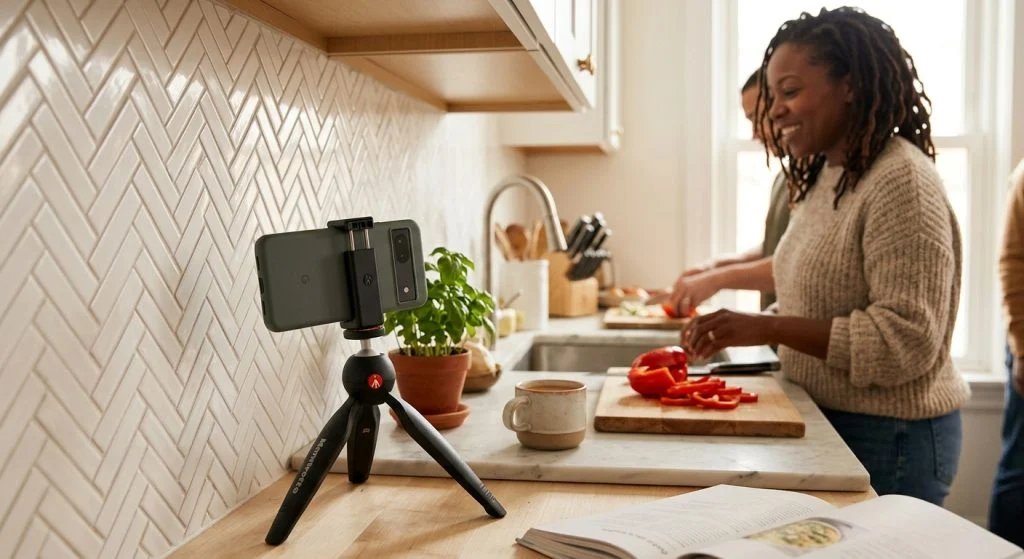
Pay special attention to reflective surfaces. Microwave doors, glass cabinet fronts, and stainless steel appliances can accidentally show someone walking through the background even if they are outside your direct camera frame. Also, take two seconds to clear the counter behind you: hide the mail stack with your full home address showing, put away family photos stuck to the fridge, and cover up prescription bottles.
The Low-Tech Signal System
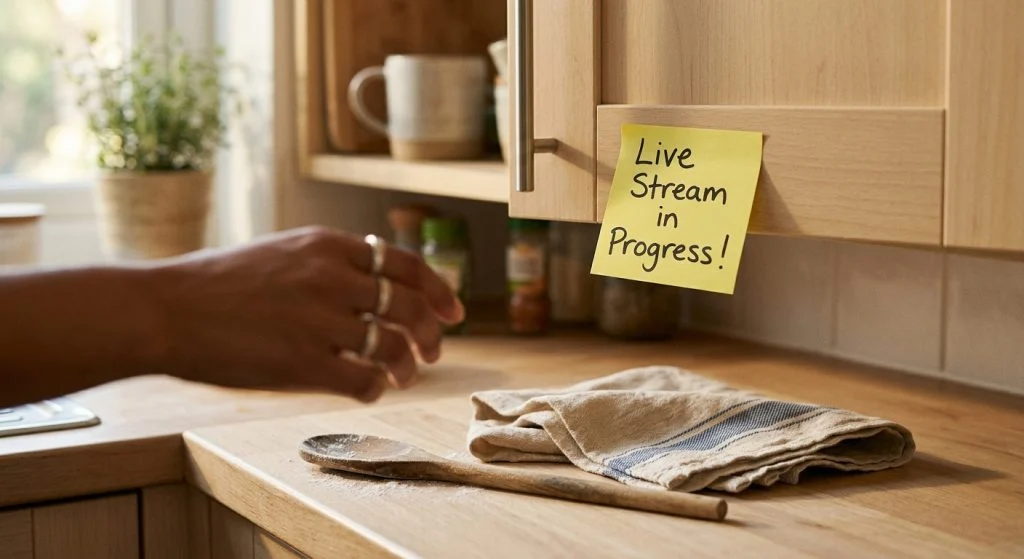
You do not need an expensive lighted 'On Air' sign to let your housemates know you are streaming. A simple, colorful sticky note on the kitchen doorway or fridge door works wonders. Drop a quick text in the house group chat twenty minutes before you start: 'Hey, going live in the kitchen from 6 to 7 to make tacos!' This gives everyone a chance to grab their snacks or do a water bottle refill before you go live.
Your home is a shared sanctuary, but your stream is your creative space—you can honor both without driving each other wild.
Establish a soft agreement about background appearances. Let your housemates know that if they wander into the kitchen while you are live, you will keep conversation casual and won't suddenly turn the phone toward them. Knowing they won't be put on the spot makes everyone feel much more relaxed.
Handling the Unavoidable Background Chaos
No matter how well you plan, someone will eventually forget and pop in to ask where the garbage bags are. Don't panic or freeze up. Treat it with warmth and humor. You can read more about keeping your cool when family members walk into your stream with our tips on what to do when someone walks into your room mid-live.
If a sensitive topic or private phone call starts up in the next room, have a quick mute button or pause feature ready on your setup. A quick 'Hold on one sec while I chop these onions, guys!' while muting your mic gives your housemate thirty seconds to pass through without their private phone conversation becoming public chat fodder. Boundaries make better streams—and much better housemates.