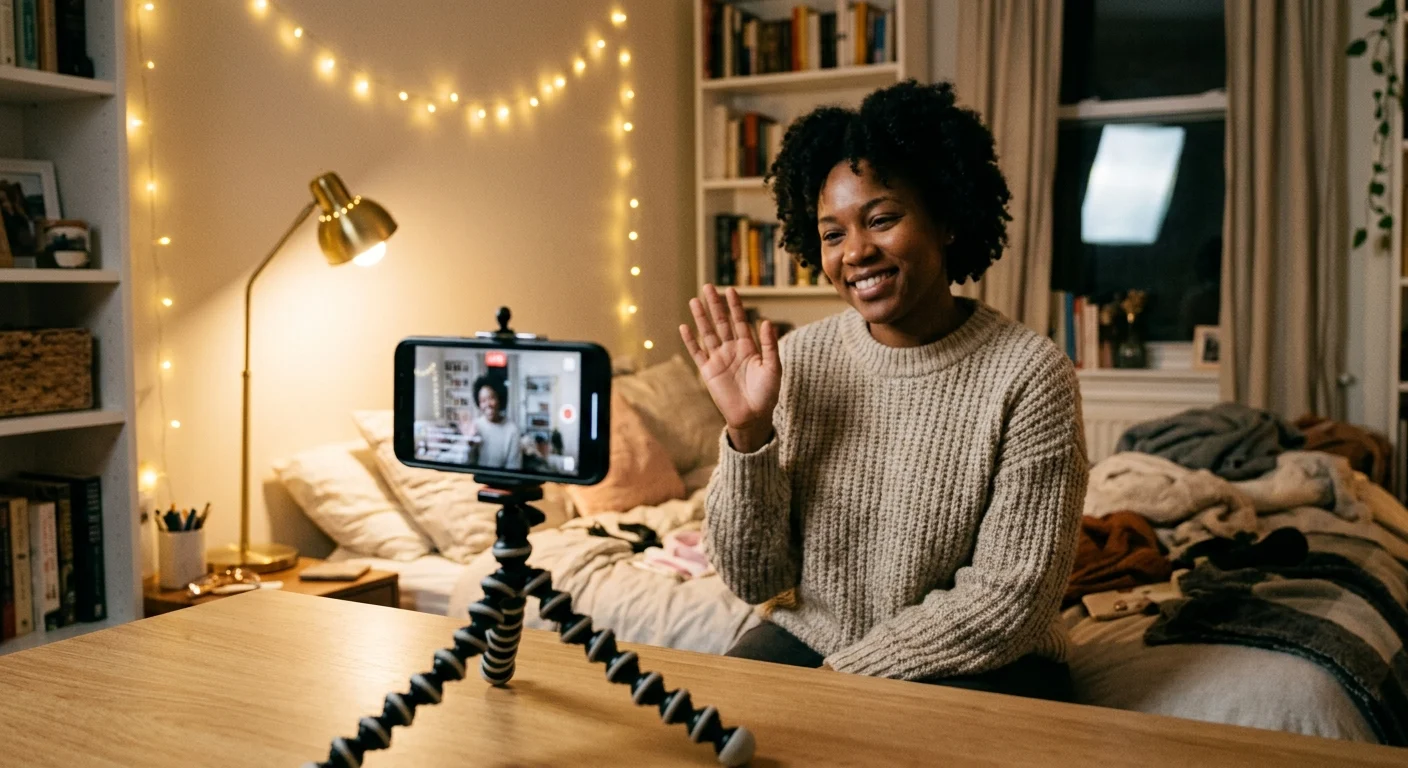
You’re in the middle of explaining your favorite watercolor technique, or maybe you're finally getting to the good part of your story about the grocery store checkout line, and there it is. A weird, copy-pasted comment about crypto, followed by someone asking an invasive personal question, followed by a bot account spamming emojis. Suddenly, the warm vibe you spent twenty minutes building completely evaporates. Your chest tightens, and instead of engaging with your regulars, you're tapping and holding on your screen, trying to delete comments and block accounts with a shaky thumb.
We’ve all been there, and let’s be real: it sucks. When you are a solo creator, hosting a live stream can feel like trying to perform on stage while also acting as the security guard at the door. If you find yourself losing sleep over the thought of unwanted guests, you are not alone. It's completely normal to feel a bit anxious, but you shouldn't let it stop you. In fact, learning how to handle these moments is just as important as shaking off the pre-live jitters before your stream even begins.
The Solo Streamer's Reality
Most of us don't have a team of five best friends waiting to moderate our chats for free every single night. We are running the show entirely on our own. And while we love the intimacy of a small, cozy crowd, it also means we are vulnerable to the random passerby who decides to be loud and annoying. But here is the secret: you do not need to play digital whack-a-mole with trolls. You can actually build a shield that filters out almost all the junk before it ever reaches your screen.
How to Build Your Silent Shield
TikTok has a built-in feature that is an absolute lifesaver for solo hosts: Keyword Filters. This tool lets you decide ahead of time which words, phrases, or emojis simply are not welcome in your space. When someone tries to type them, the comment is automatically blocked, and they are none the wiser—while your chat remains completely clean.
To set this up, go to your Live Creator Hub before you start streaming. Tap on 'Settings' and then 'Comment Settings.' Here, you'll find 'Filter Keywords.' You can add up to 200 custom terms. This is where you put the magic to work. Instead of waiting for a party pooper to disrupt your flow, you can focus on keeping the good vibes in when a party pooper wanders by by simply neutralizing their vocabulary ahead of time.
You don't need a team of moderators to have a safe space; you just need to let the system do the heavy lifting before you even hit go.
What to Put on Your Custom Block List
If you are wondering what keywords to add, start with the obvious. Put in common spam words like 'crypto,' 'WhatsApp,' 'telegram,' 'follow me,' and 'cash.' Then, add terms that are frequently used in bad-faith arguments or personal prying. Think about the kinds of questions that make you feel uncomfortable or defensive, and add those words too. You have entire control over your digital living room, and you don't owe anyone a platform to be rude.
Once you have your list saved, it runs quietly in the background. If a bot drops in to spam you, their comment simply never appears. Your regulars won't see it, you won't see it, and you can keep chatting about your day, your art, or your favorite books without missing a beat. It's the ultimate hack for hosting with confidence, knowing your space is protected so you can focus on the people who actually want to be there.