
You’re twenty minutes into a great live stream. The conversation is flowing, a few of your regular friendly faces are dropping sweet comments, and you’re finally in the zone. Then, you notice it. Your screen goes weirdly dim. Your voice starts lagging. You touch the back of your phone, and—ouch—it feels like a fresh pocket warmer. Within seconds, the video stutters and the app crashes. It is incredibly frustrating, but you are definitely not alone.
When you go live, your phone is working overtime. It is capturing video, processing audio, running the live app, uploading data, and keeping the screen on all at the exact same time. It is a full-on digital marathon. Luckily, you do not need an expensive cooling rig to fix this. A few small, common-sense habits can keep your device running smooth and cool, no matter how long you want to hang out.
Strip Off the Armor
That cute, heavy-duty phone case with the thick silicone and built-in stand? It is basically a winter parka for your phone. Phones rely on their outer shells to radiate heat away from the internal processor. When you leave a heavy case on, you are trapping all that heat right inside the battery. While you are going through your usual prep—maybe shaking off the pre-live jitters with a quick stretch or getting a glass of water—make it a habit to pop that case right off. Let your phone breathe.
Your phone is running a marathon while wearing a winter coat. Give it some air.
Ditch the Fast Charger While Live
It is tempting to plug your phone into a high-powered fast charger while streaming so you don't run out of battery. But fast charging generates massive amounts of heat on its own. Combining that with a live stream is a recipe for an immediate thermal shutdown. Instead, try charging your phone to about 80% or 90% before you go live. If you absolutely must charge while streaming, use an older, slower USB block (like the small 5W ones) or plug it into a laptop port. It will slow down the battery drain without turning your phone into an oven.
Lower the Brightness and Lighten the Load
Your screen is one of the biggest heat generators on your device. When you are live, you do not need your screen brightness cranked up to 100%. Slide that brightness down to the lowest comfortable level. Your eyes and your phone’s battery will thank you. Also, close any other background apps before you hit go. A lagging, overheating phone can trigger unexpected app crashes, and you want to keep everything running smoothly so you don't get muted or disconnected by automated system filters when the connection drops.
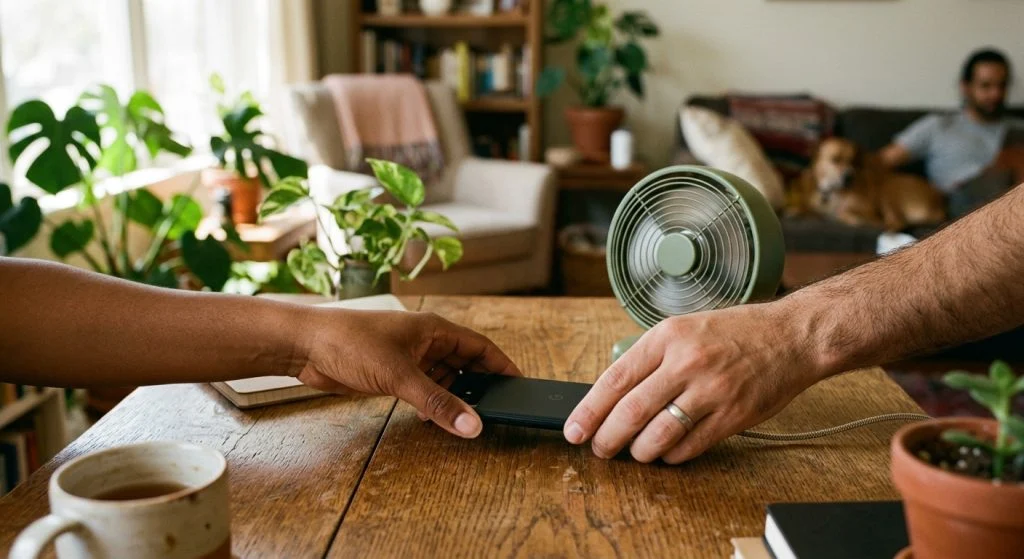
The Tiny Fan Trick
Please, whatever you do, do not put your phone in the freezer or rest it on a bag of ice. Sudden extreme temperature shifts can cause condensation to form inside the phone, which can permanently ruin the circuits. If you stream in a warm room, the safest and easiest hack is a cheap, small USB-powered desk fan. Point it directly at the back of your phone from a foot away. It is practically silent, it keeps the air moving, and it will keep your device cool indefinitely. Give these quick tweaks a try on your next live—your stream will stay smooth, and your hands will stay cool!