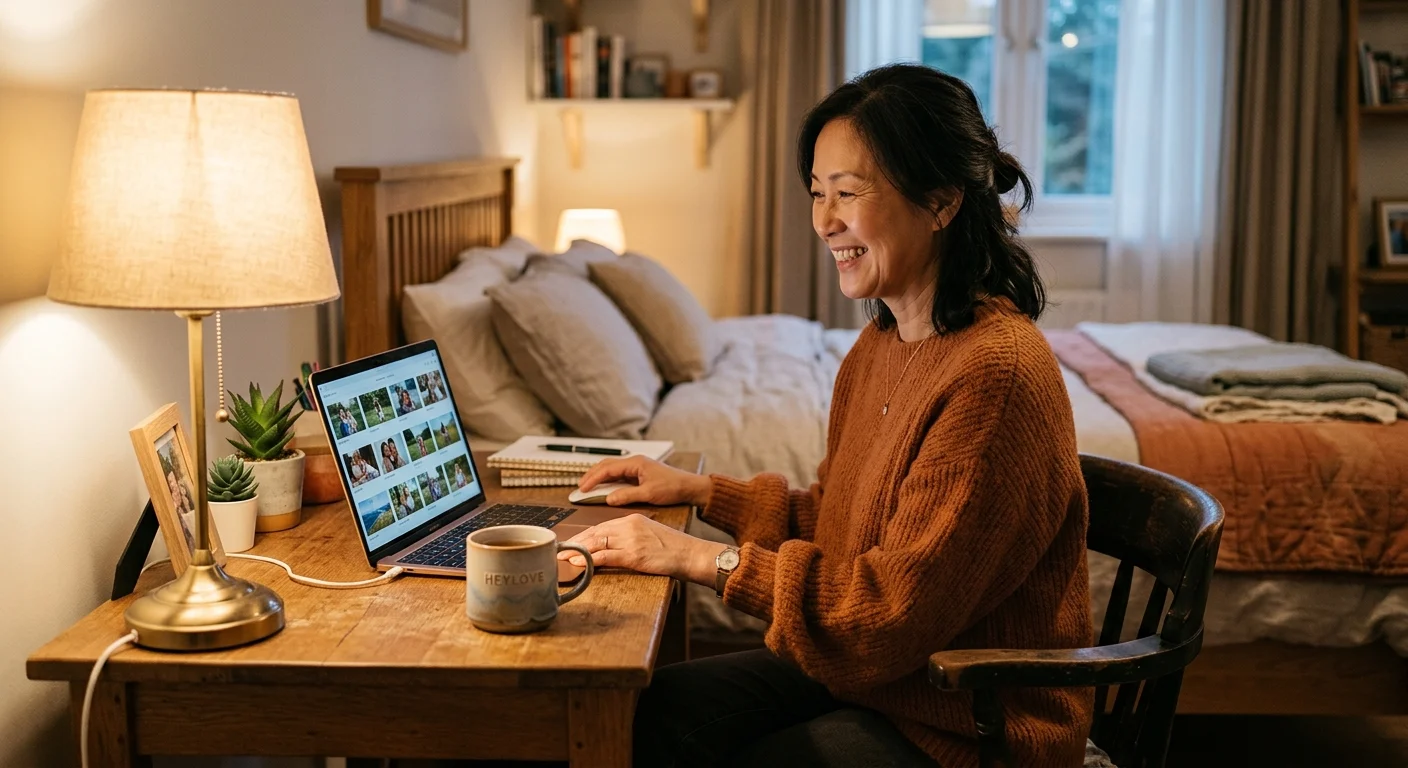
You just hit 'End Stream.' Your mug of tea is lukewarm, your cozy room is finally quiet, and your feet are resting on the edge of your desk. It was a good stream—four regulars hung out in chat, your cat made an appearance, and somewhere around the 40-minute mark, everyone burst out laughing over a silly misunderstanding. But now you're staring at a raw two-hour VOD recording, and the thought of scrubbing through every single minute just to find that 10-second moment makes you want to close your laptop and go straight to sleep.
We have all been there. You want to save those precious little highlights for yourself or share them with friends who missed the stream, but treating stream editing like a second full-time job takes all the fun out of hanging out online.
Let TikTok LIVE Studio Do the Heavy Lifting
If you are streaming on a computer using TikTok LIVE Studio, there is a sweet little feature designed precisely for this post-live exhaustion. Right after you wrap up your stream, LIVE Studio automatically pulls together a summary of peak engagement moments—places where chat suddenly sped up, gifts popped off, or watch-time spiked.
Instead of rewatching the whole video, you can jump straight into the auto-generated highlights tab. The software flags the exact minutes where something lively happened. It is not perfect AI genius, but it acts like a thoughtful friend who scribbled down timestamps while watching you from the couch.
You don't need to spend midnight scrubbing through a timeline just to save the one moment your cat knocked over your pencil cup.
Turning Cluttered Timelines into Cozy Memories
When you open your stream recap, treat those flagged markers as suggestions, not mandatory clip assignments. Look at where the chat activity spiked. Nine times out of ten, that spike lines up with a genuine laugh, a fun question from a lurker, or a cozy story you shared. If you want a deeper dive into choosing what makes a clip special, check out our guide on How to Spot the Best 15-Second Clip in Your Two-Hour Stream.

Once you review the auto-selected moments, you can trim them right inside the app with a couple of clicks and export them directly. No fancy editing software, no timeline keyframes, and zero rendering stress on your computer.
Protecting Your Post-Stream Energy
Your time after a stream belongs to you. Protecting your mental health and avoiding streamer burnout starts with giving yourself permission to step away from the mic when you are done. Taking advantage of quick shortcuts like auto-highlights means you can preserve memories without letting stream admin swallow your evening.
Next time you end your live, take a breath, let the studio present its top moments, grab a couple of favorite clips, and close the lid. If you're looking for simple routines to help you disconnect once the camera goes off, read our favorite tips on The Post-Live Wind Down: Transitioning Back to Real Life. Your rest is just as important as your show!