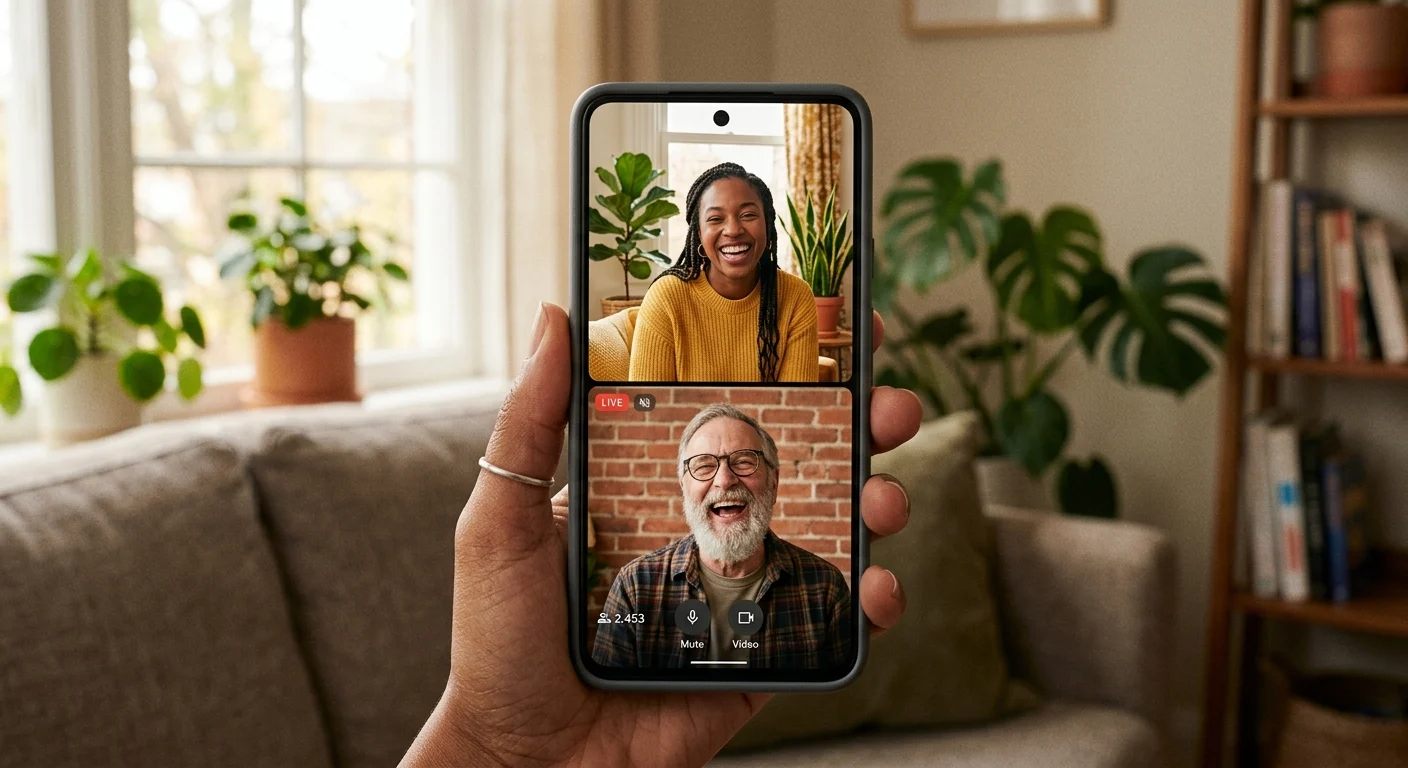
You're sitting in your favorite chair, tea cooling on the desk, laughing out loud at a comment. It's your friend Jess. They're typing in all caps, reacting to your story, and you find yourself wishing you could just pull them onto the screen. It would be so much easier to tell this story together! But Jess doesn't really stream. They have about eighty followers, mostly family and old high school friends. If you've ever tried to bring a friend on-camera only to run into that annoying, arbitrary follower limit, you know how frustrating it feels.
Here's the good news: you don't have to wait for them to hit 1,000 followers to hang out. By using the Multi-Guest feature, you can host them on your stream tonight, bypassing the restriction entirely. It's like finding a secret side door to your own party, and it's incredibly easy to do.
Why the follower rule shouldn't stop you
We often think of going live as a solo performance, but some of the best streams are just two friends catching up. If you've been planning a split-screen hang with your favorite person, you shouldn't let a number on a profile page get in the way. The trick is that you are the host. Because you have live access, you have the keys to the room. You can invite them directly, and their follower count won't matter at all.
Your live room isn't a stage for an audience; it's a cozy kitchen table where your favorite people are always welcome.
How to open the side door
To make this happen, start your stream as you normally would. Once you're live, look for the Multi-Guest icon on your screen—it usually looks like two interlocking circles. Instead of waiting for your friend to send a request, search for their username in your viewer list and send them a direct invite. When they tap accept, they'll hop right into a split-screen grid next to you. They don't need a massive audience, a fancy setup, or anything more than their phone and a friendly face.

Keep it low-key and fun
Now that they're on, don't overthink it. You don't need a tight script, a formal Q&A, or a massive agenda. Just treat it like a FaceTime call that you happen to be sharing with your chat. If you are feeling a little stuck on how to fill the quiet moments, we have a whole guide on easy, everyday things to do together on stream that will keep the vibes high. You can look at funny memes, trade music recommendations, or just talk about your day.
So go ahead and send that text to your friend. Let them know you're going live in ten minutes and you want them to join you. It's the easiest way to turn a quiet broadcast into a warm, shared memory.